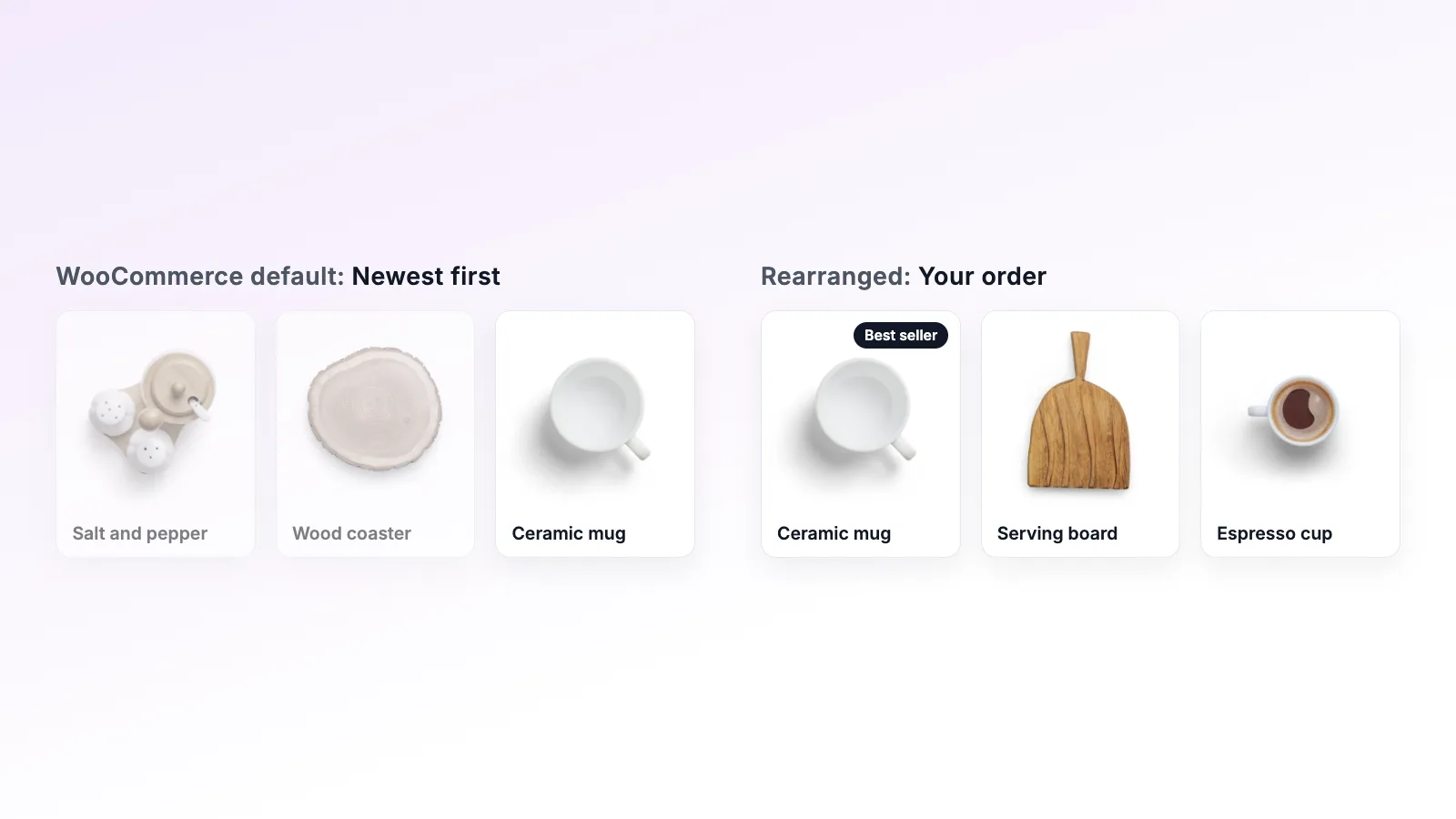
Code snippet vs plugin: sorting WooCommerce products
A menu_order snippet can change your WooCommerce product order in five lines. Here is where that approach works, and where it starts to cost more than it saves.
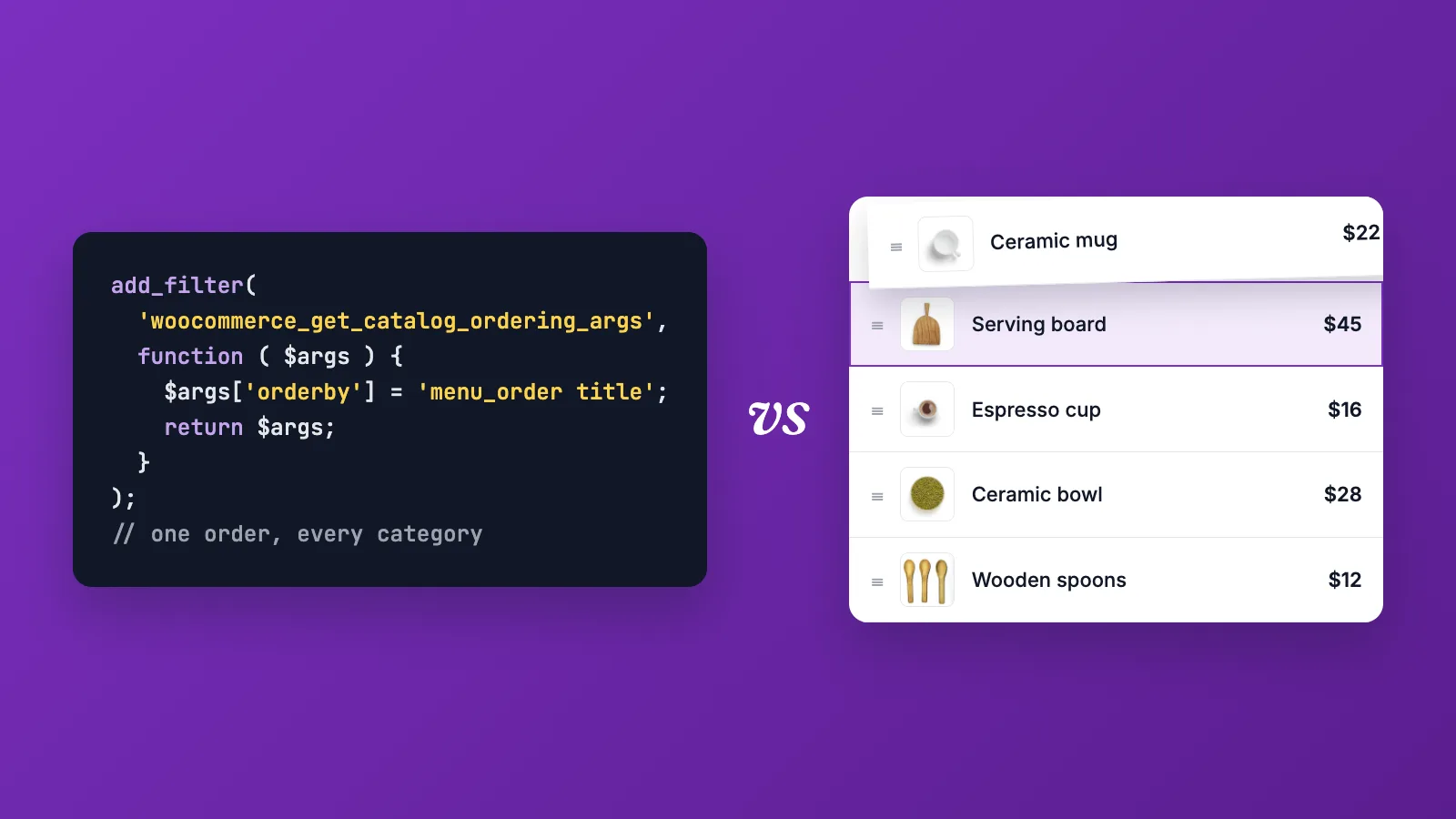
Ask an AI assistant how to change the product order in WooCommerce and you will probably get a snippet. It looks something like this:
add_filter( 'woocommerce_get_catalog_ordering_args', function ( $args ) {
    $args['orderby'] = 'menu_order title';
    $args['order']   = 'ASC';
    return $args;
} );
Paste it into your theme's functions.php or a snippets plugin, set a menu order on each product, and the shop follows those numbers. Five lines, no plugin. So why install one?
Sometimes you shouldn't. This post is an honest look at when a snippet is enough and when it isn't.
When a snippet is enough
A snippet is a fine choice if all of these are true:
- You have a small catalog, say under 50 products.
- You only care about the order of the main shop page.
- The order rarely changes.
- You, or someone on your team, is comfortable editing PHP and knows what to do when something breaks.
In that situation, setting menu order numbers on a few products and forcing menu_order sorting is quick and has no extra moving parts.
Where it gets harder
Most stores don't stay in that situation for long. Here is what tends to come up.
One number per product, everywhere
The menu order is a single number on each product. That means a product has the same position in every category it belongs to. If a candle is in both "Gifts" and "Home", it can't be first in Gifts and twentieth in Home.
Working around this means writing a custom query per category, storing a separate order for each one, and maintaining that code. At that point the five-line snippet has turned into a small plugin you have to support yourself.
Typing numbers into hundreds of products
To move one product to the top, you set its number lower than all the others. To insert a product between positions 4 and 5, you renumber everything after it, or start leaving gaps like 10, 20, 30 and hope you never run out. With a few hundred products this takes a long time and is easy to get wrong.
It lives in your theme
If the snippet sits in your theme's functions.php, it disappears when you switch themes or when a theme update overwrites the file. The menu order numbers survive, but nothing tells WooCommerce to use them anymore, and the shop quietly goes back to the default order.
A snippets plugin avoids the theme problem, but it is still code someone has to remember exists.
Shortcodes, blocks and page builders
woocommerce_get_catalog_ordering_args affects the main shop and category archives. Product grids added with shortcodes, the block editor or a page builder often run their own query and ignore it. Each one needs its own fix.
Translations
With WPML, each language has its own copy of every product. Your menu order numbers need to be kept in sync across those copies, or the translated shops drift apart.
Changing the order often
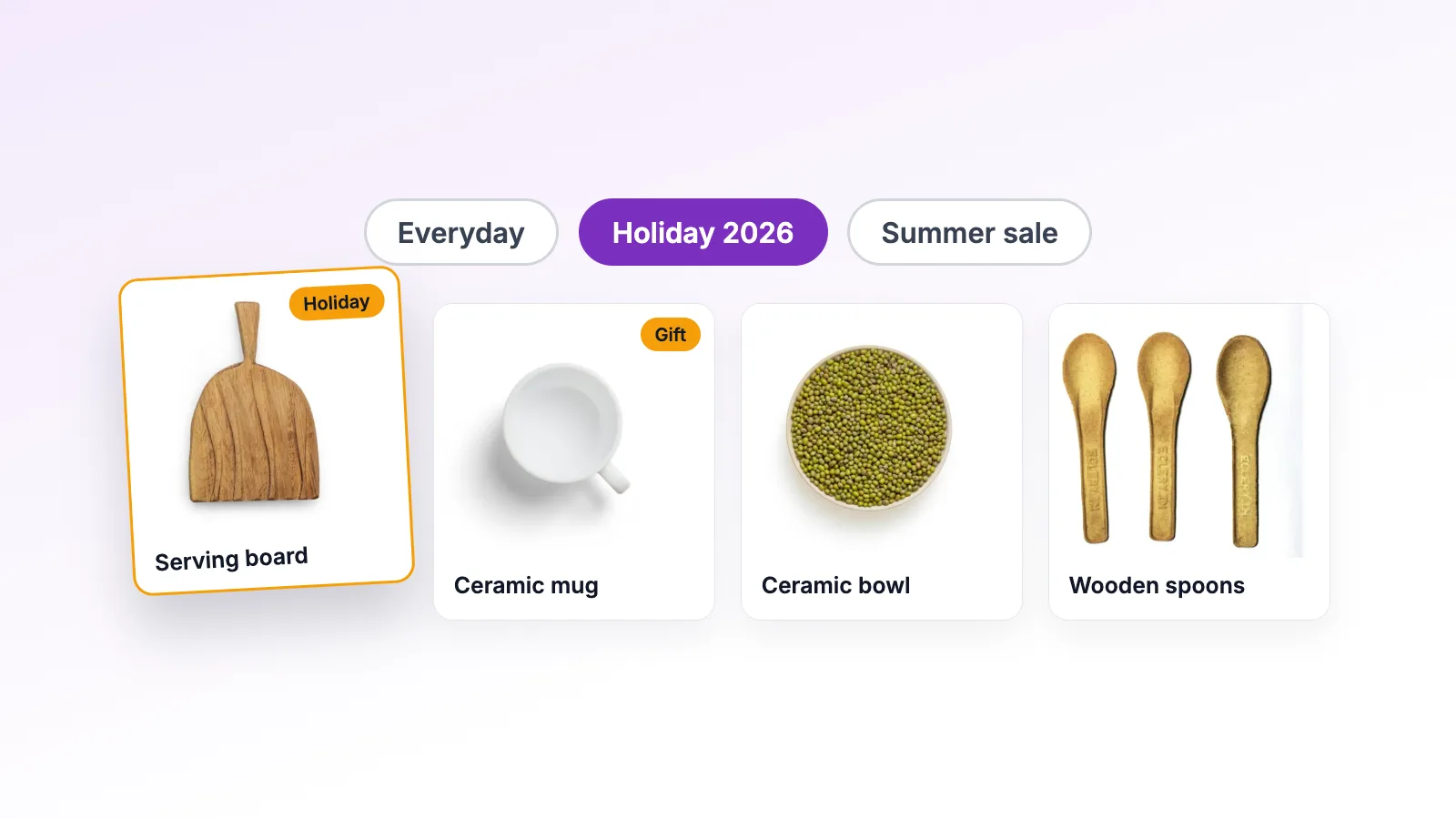
Seasonal collections, sales and new arrivals mean the order changes several times a year. With a snippet, each change means editing numbers again, and going back to the previous order means remembering what the numbers were.
What a plugin adds
A dedicated sorting plugin handles the parts above so you don't have to write them. In Rearrange Products, the free version gives you:
- A drag-and-drop screen with thumbnails instead of number fields
- A separate order for the shop and for every category
- An "All Loops" setting to apply the order to shortcodes and custom queries
- WPML sync, so translations follow your main language
- Storage in its own database table, so switching themes doesn't affect it
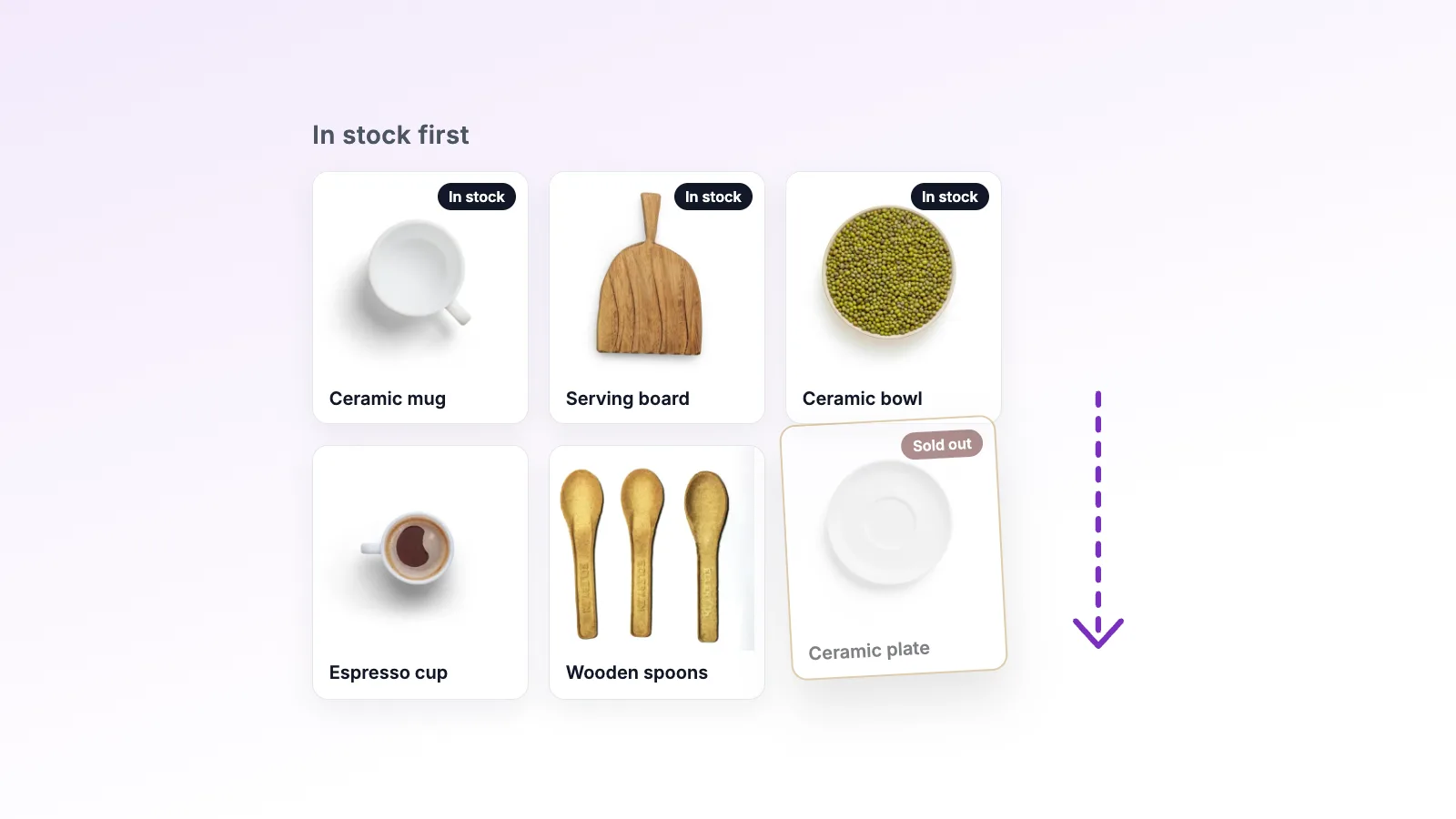
Pro adds Smart Sort (order by sales, rating, stock, price or date in one click), presets to save and restore arrangements, schedules that run a preset between two dates, and Import/Export to move an order between stores.
The real cost comparison
A snippet costs nothing to install. The cost shows up later: the afternoon spent renumbering products, the morning you notice the shop order reset after a theme update, the developer hour to make a page builder grid follow the same order.
For a store whose product order matters to sales, those hours usually add up to more than a plugin. For a small, stable catalog, they may never come up at all.
A quick way to decide
Use a snippet if your catalog is small, you only sort the main shop, and you are happy maintaining code.
Use a plugin if you have more than a few dozen products, need different orders per category, change the order during the year, use page builders or WPML, or hand the store to someone who doesn't edit code.
If you are not sure, the free version costs nothing to try, and removing it later leaves your products untouched.