WooCommerce product order not changing? How to fix it
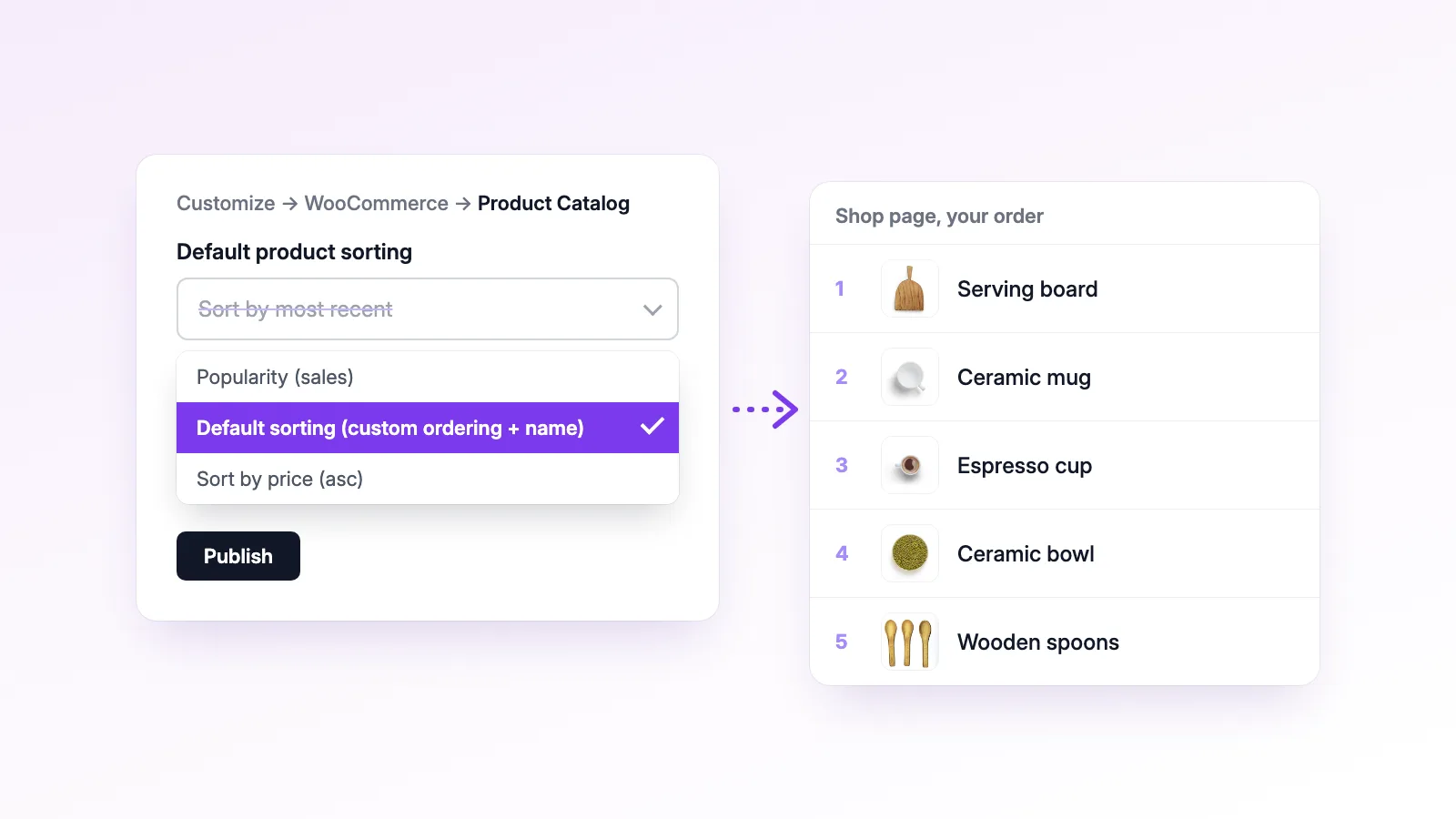
You saved a new product order but the shop looks the same. Check the default sorting setting, your cache, category orders, shortcodes, page builders and the other usual causes.
Read the articlePractical guides on product order and merchandising for WooCommerce stores.
You saved a new product order but the shop looks the same. Check the default sorting setting, your cache, category orders, shortcodes, page builders and the other usual causes.
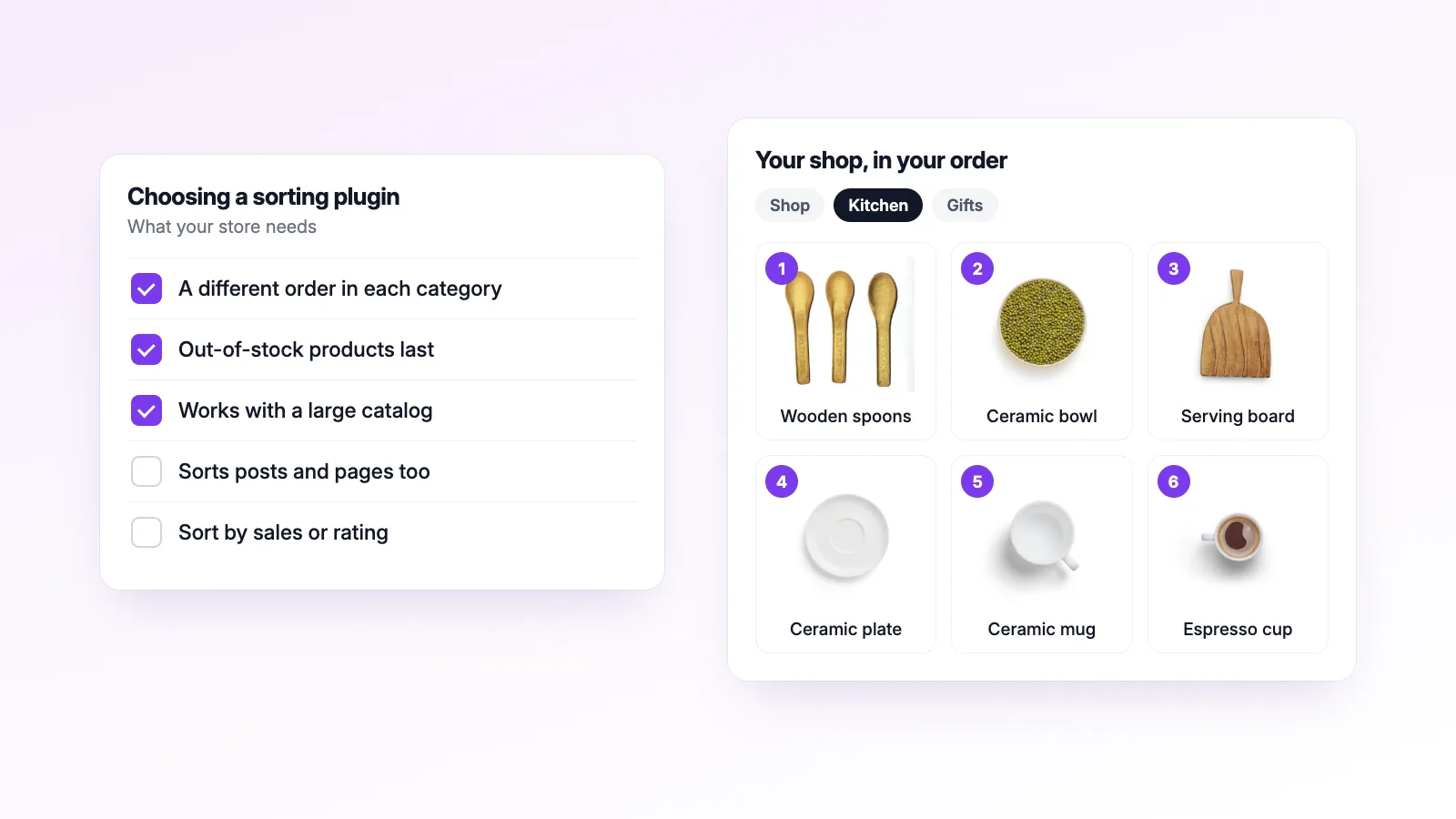
Read the articleSimple Custom Post Order is a free drag-and-drop sorter for any post type. Rearrange Products is built for WooCommerce. Here's how they differ on category order, long catalogs and stock, and when each one is the better fit.
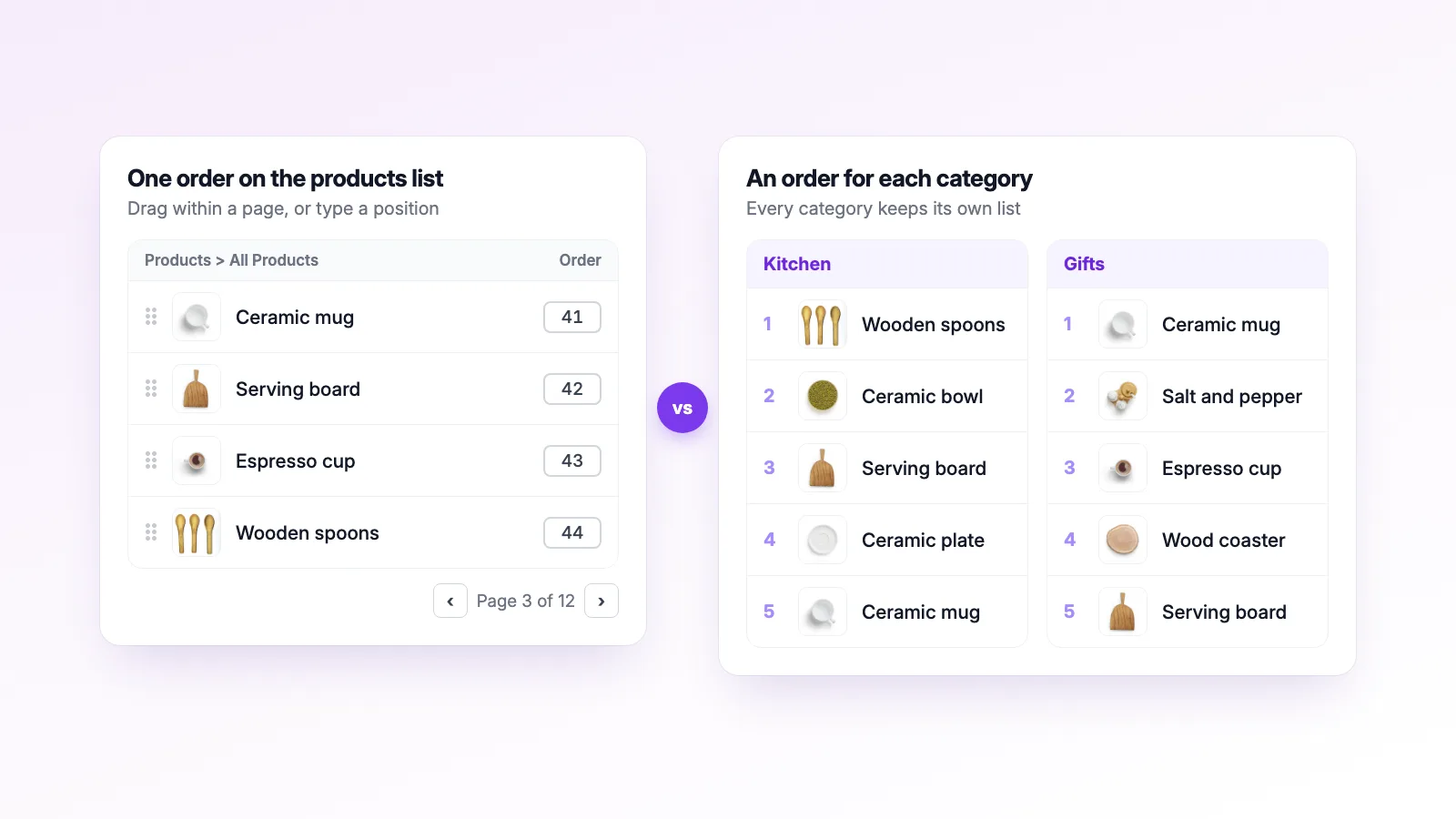
Six ways to control the product order in WooCommerce, from the built-in sorting to plugins like Post Types Order and Simple Custom Post Order. What each one does well, where it stops, and which fits your store.
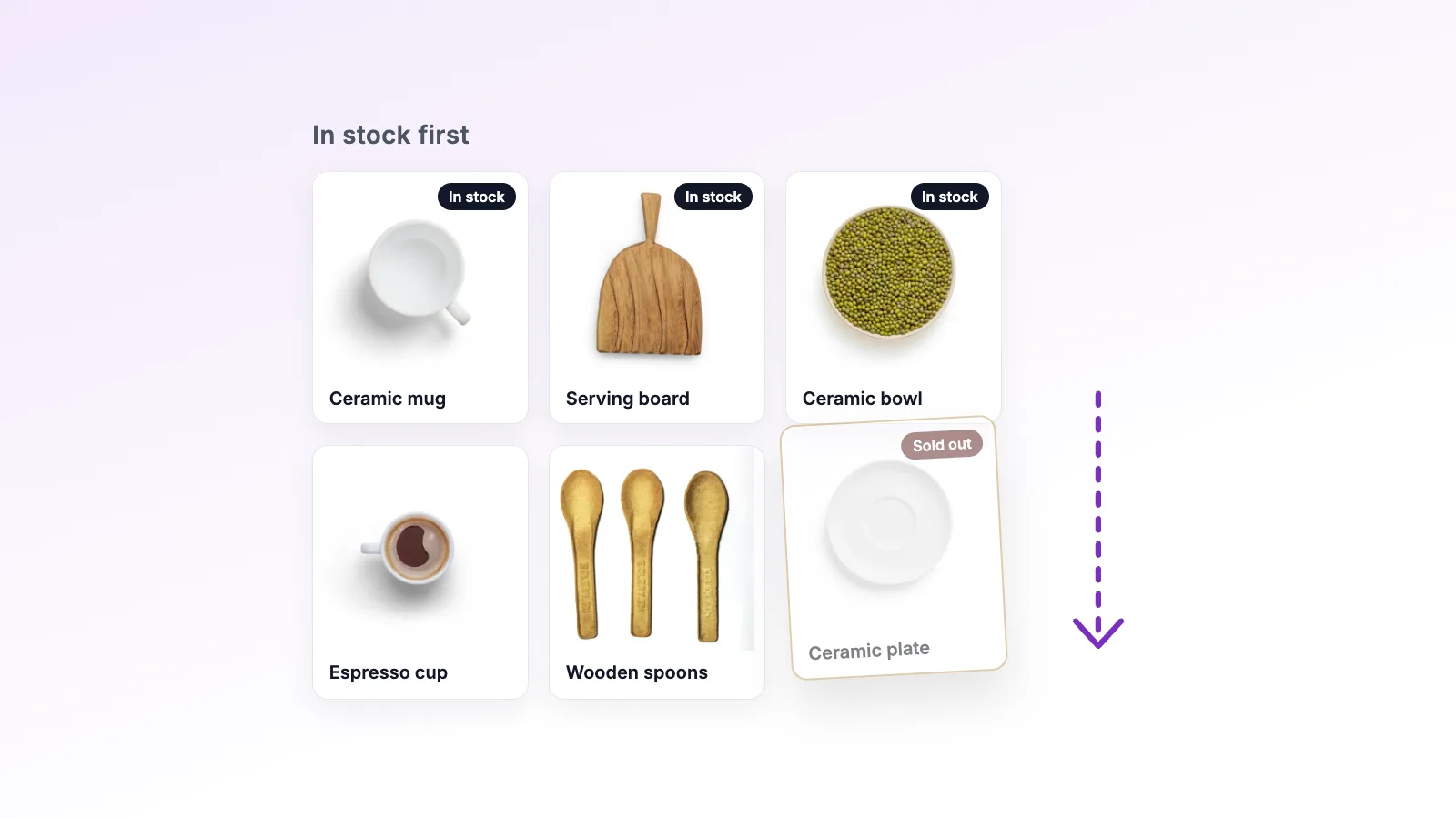
Sold-out products in the top rows cost you sales. Compare hiding out-of-stock products with moving them down, and show them last for free with Stock-Aware Auto Push.
Post Types Order sorts any post type, Rearrange Products is built only for WooCommerce. Here's how they compare on category order, stock, large catalogs and price, and which one fits your store.
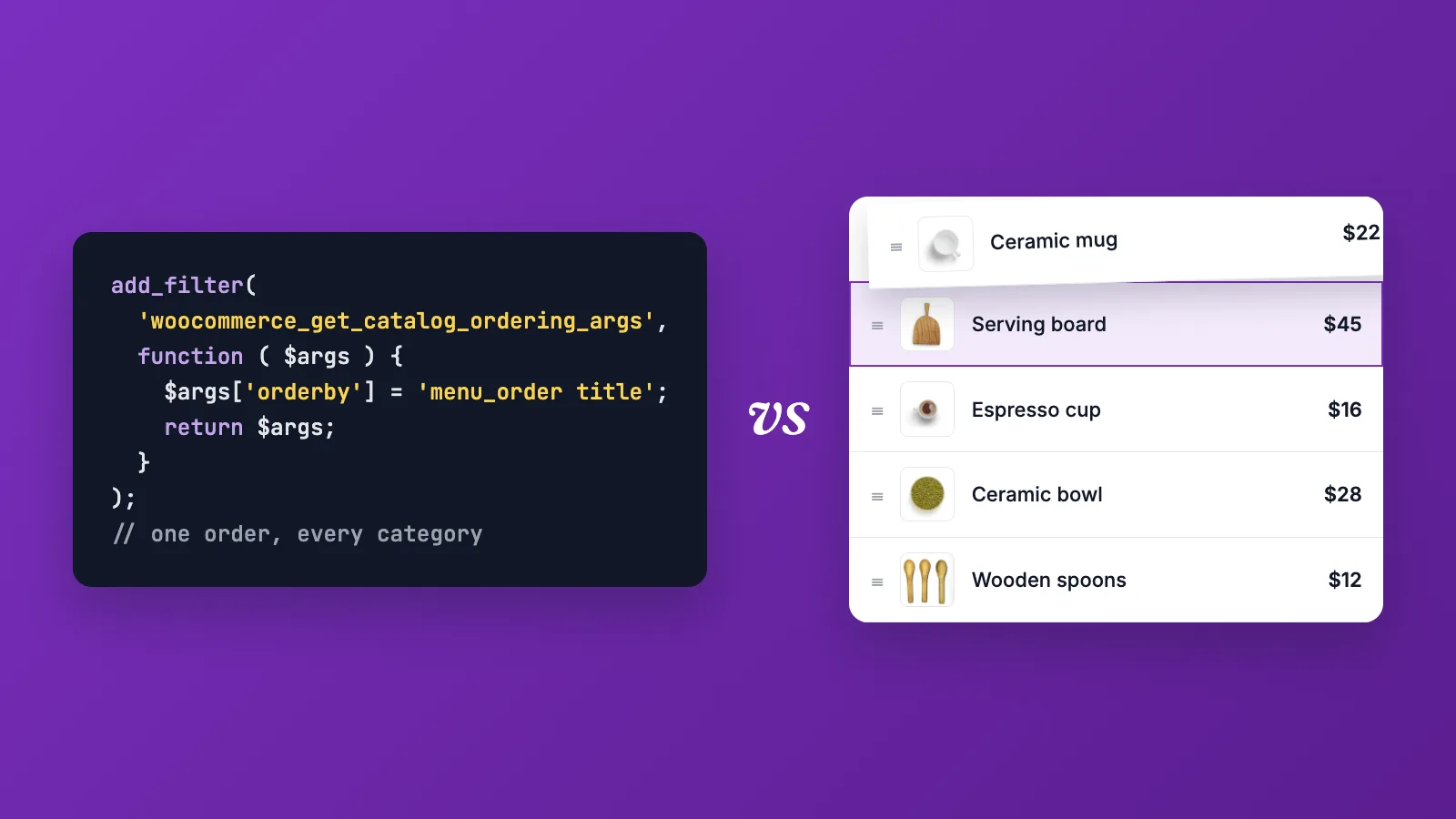
A menu_order snippet can change your WooCommerce product order in five lines. Here is where that approach works, and where it starts to cost more than it saves.
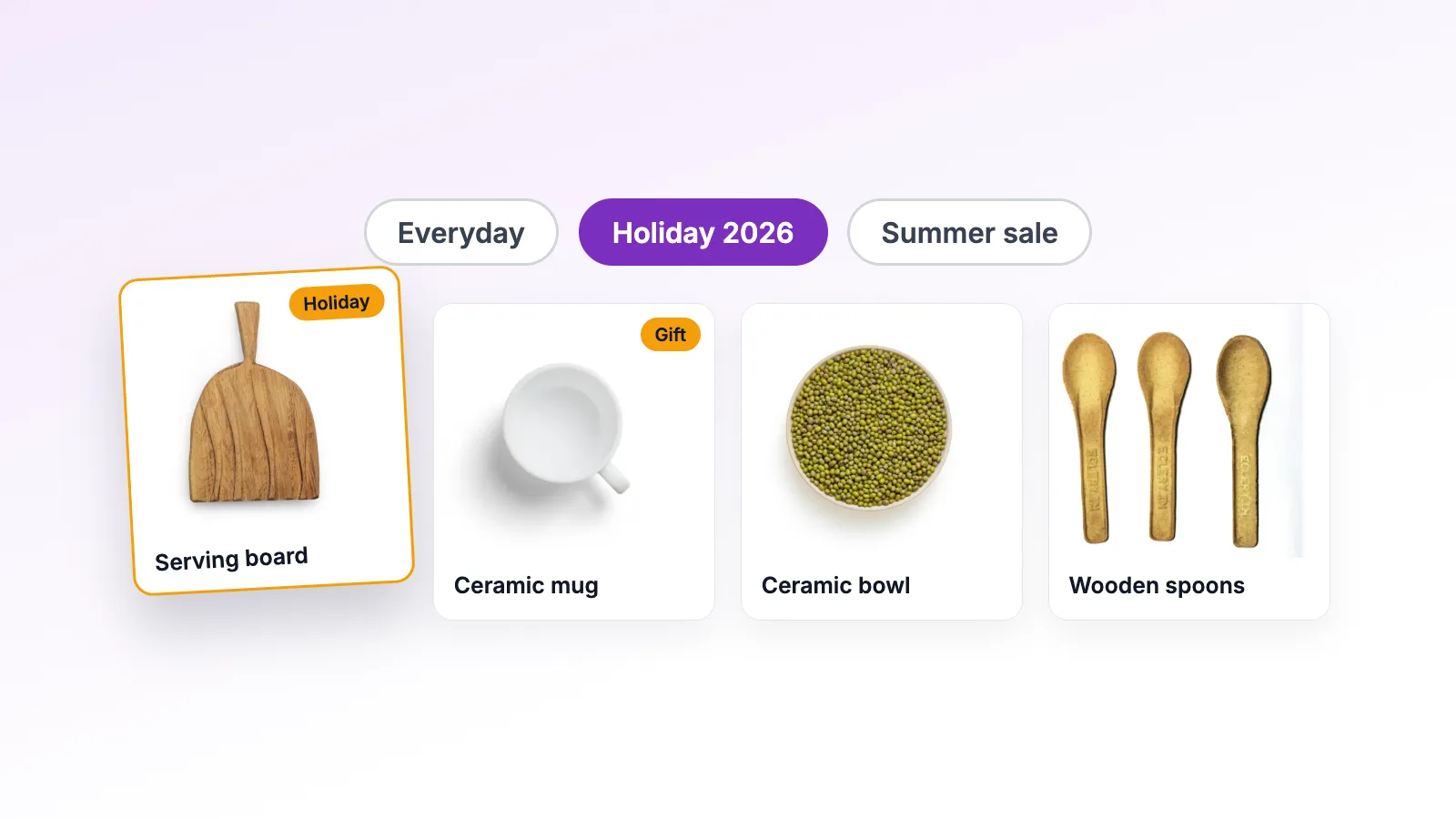
A simple routine for featuring holiday, summer or sale products at the top of your WooCommerce shop, and switching back afterwards without redoing your order.
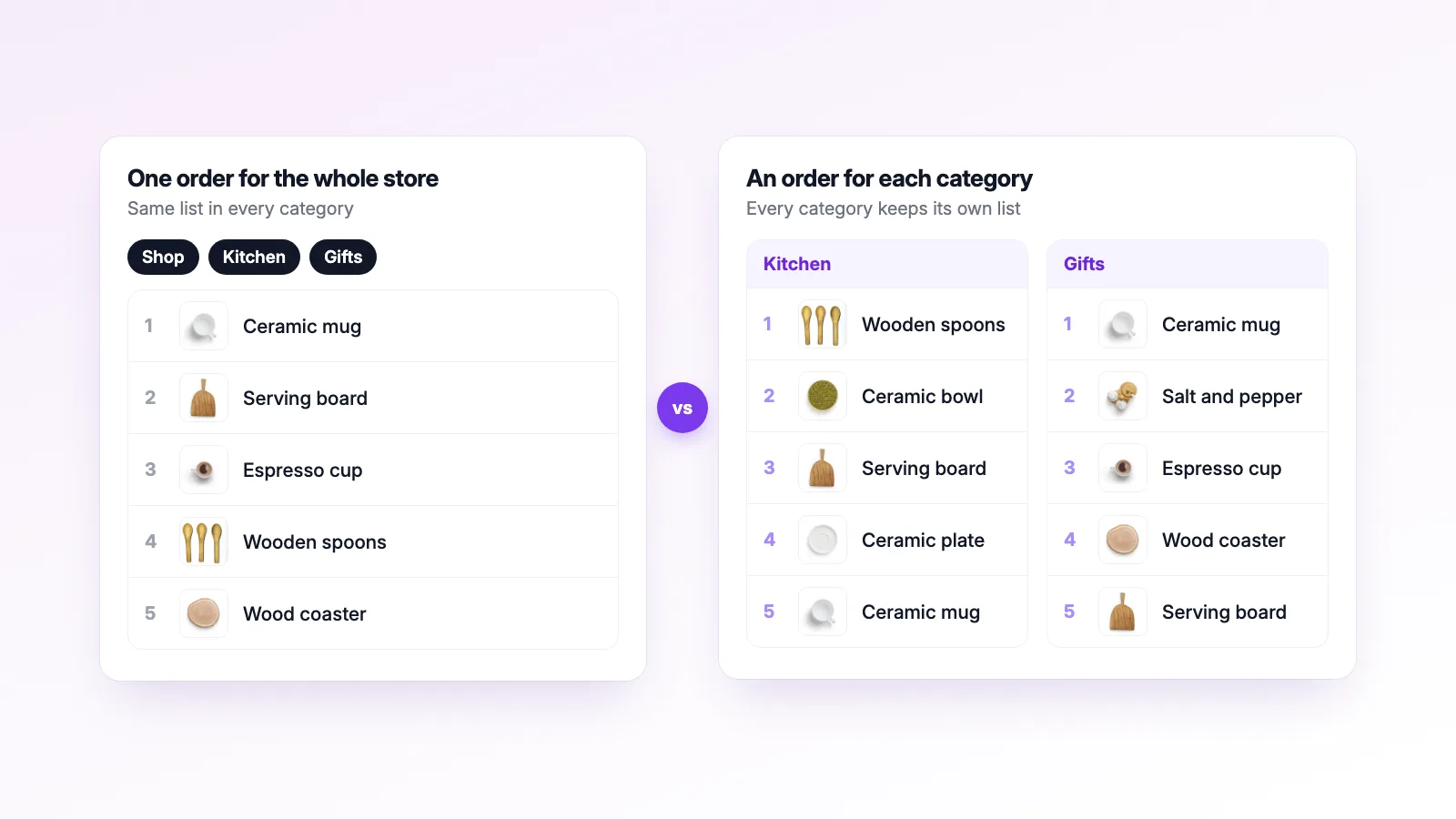
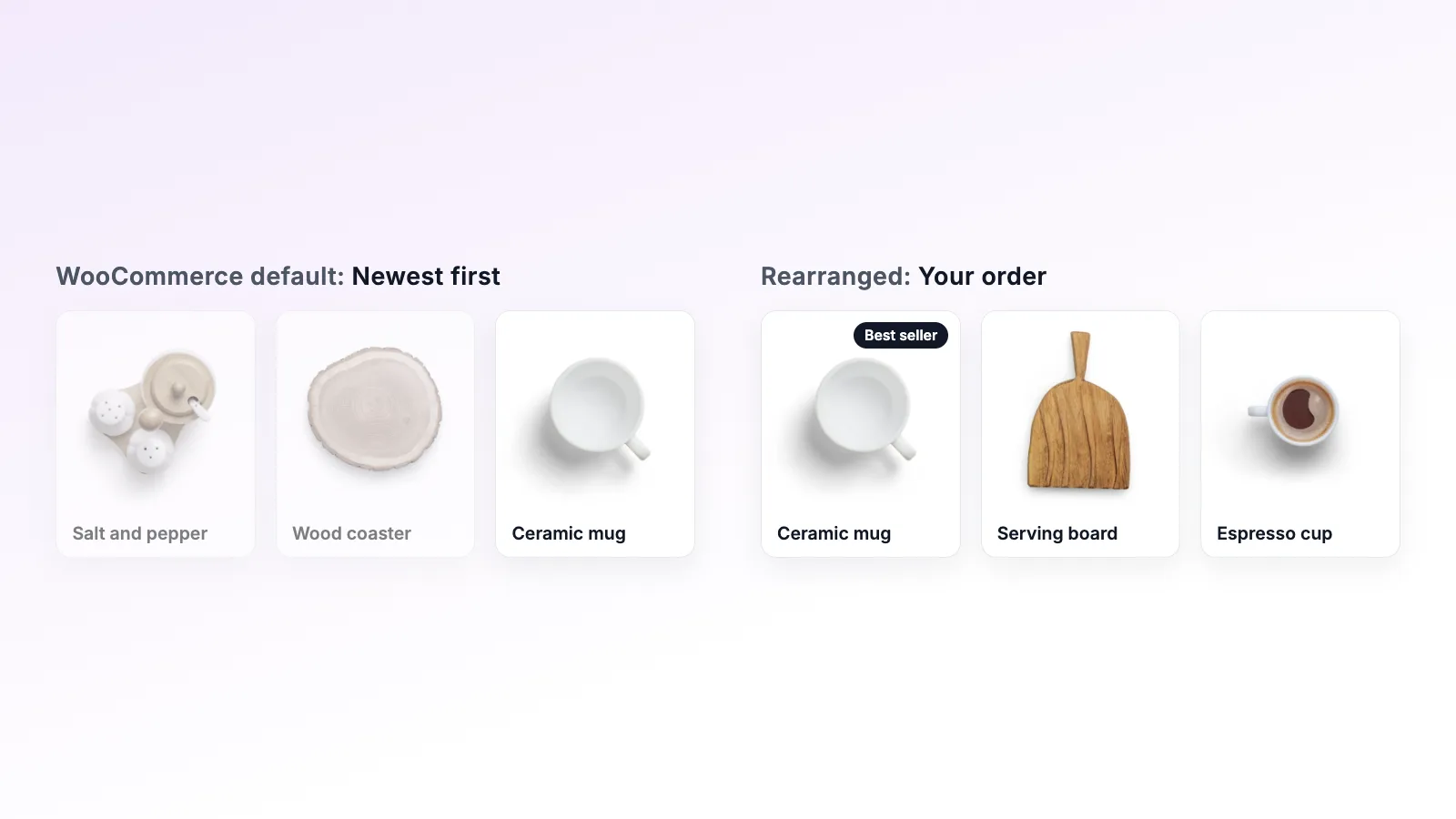
WooCommerce's sorting options, how to manually sort products with the menu order, and how to set a drag and drop product order for the shop and each category.