Post Types Order vs Rearrange Products for WooCommerce
Post Types Order sorts any post type, Rearrange Products is built only for WooCommerce. Here's how they compare on category order, stock, large catalogs and price, and which one fits your store.
Post Types Order is one of the most popular ordering plugins on WordPress.org, with more than 600,000 active installs. It's often the first thing people install when they want to change the WooCommerce product order. Rearrange Products for WooCommerce, our plugin, does one job: product order in WooCommerce stores.
Both let you drag products into place, and both have a free version. They work quite differently once you have categories, so here's an honest comparison, including the cases where Post Types Order is the better pick. The facts about Post Types Order come from its WordPress.org page and the Advanced Post Types Order page on nsp-code.com, checked in November 2026.
The short answer
- Choose Post Types Order if you need to order posts, portfolio items or other custom post types as well as products, and one product order across the whole store is enough.
- Choose Rearrange Products if you want a different product order in each category, or you have a large catalog, without paying for it.
Side by side
| Post Types Order (free) | Advanced Post Types Order | Rearrange Products (free) | Rearrange Products Pro | |
|---|---|---|---|---|
| What it sorts | Any non-hierarchical post type | Any post type, including hierarchical | WooCommerce products | WooCommerce products |
| Shop page order | Yes | Yes | Yes | Yes |
| Separate order per category | No | Yes | Yes | Yes |
| Out-of-stock products last | No | Not listed | Yes | Yes |
| Bulk sort by sales, price or rating | No | Automatic sort by fields such as date, name or a custom field | No | Yes, Smart Sort |
| Saved orders and schedules | No | Several sort lists with conditions | No | Presets and Scheduled Sorting |
| WPML | No | Yes | Yes | Yes |
| Price | Free | $39 one time (1 site), $100 one time (unlimited sites) | Free | From $39.99 a year (1 site) |
How Post Types Order sorts products
Post Types Order works with every post type on your site, so you can sort pages, blog posts and products with the same tool. You drag items on the normal admin list, or on a separate Re-Order page that it adds to each post type. Its AutoSort setting applies your order to the front end without code.
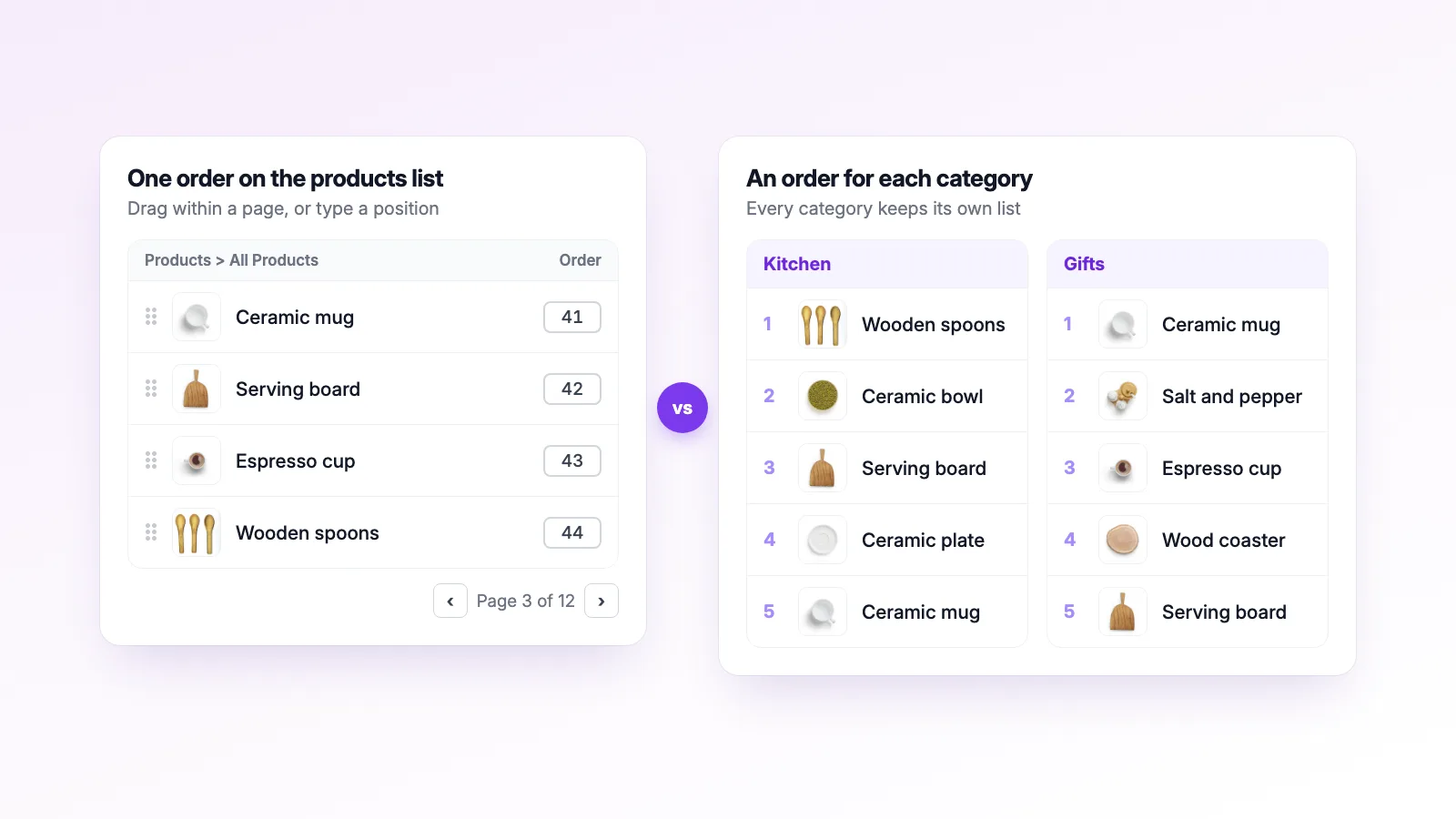
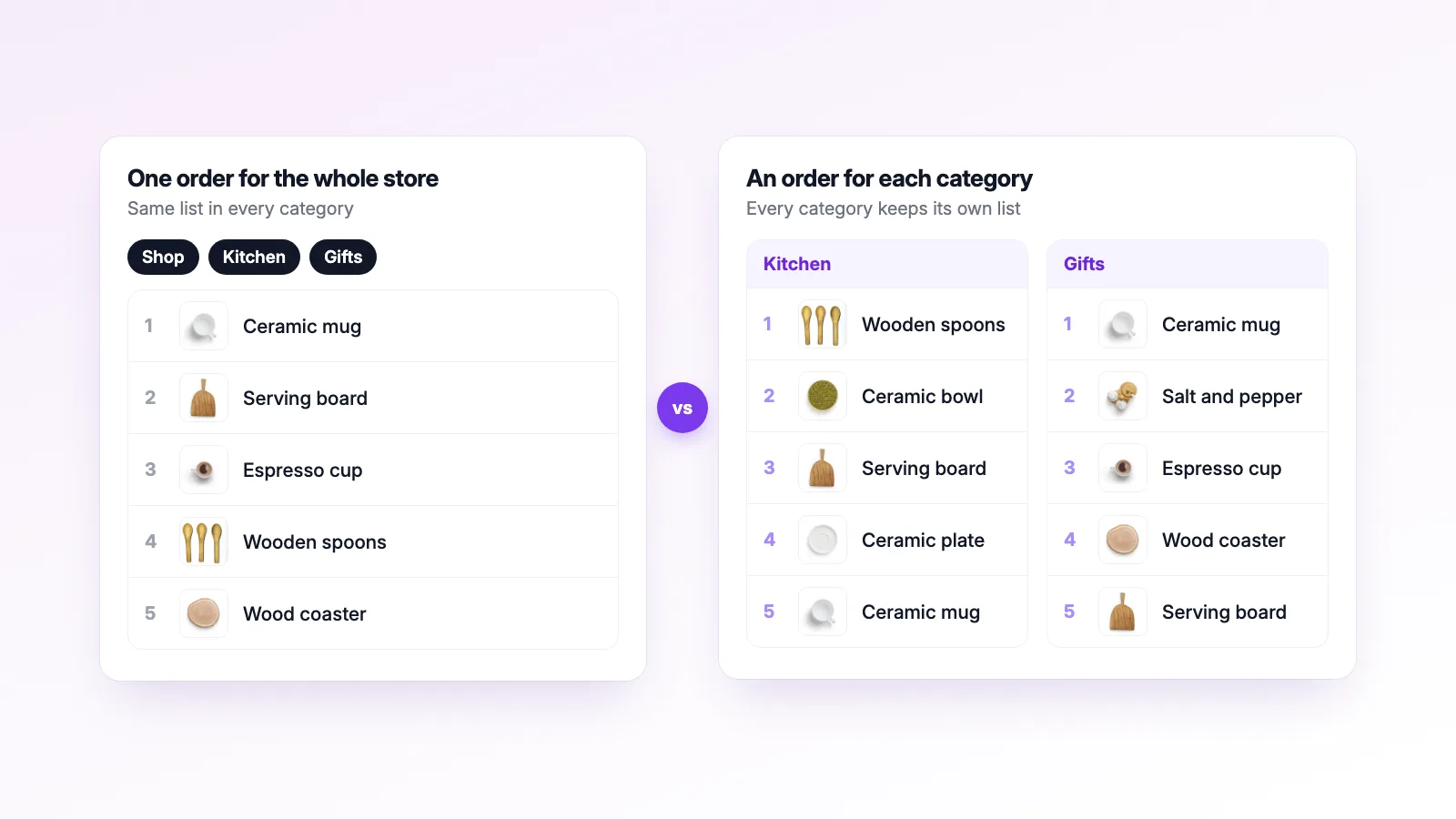
It stores the order in WordPress's built-in menu order field. That field holds one number per product, so in the free version a product has the same position on the shop page and in every category. If your mugs are first in "Kitchen", they're also first in "Gifts", because it's the same list. The free version's own FAQ points to the paid Advanced version for taxonomy and category sorting.
A few things worth knowing:
- The Re-Order page shows at most 500 items by default, to avoid server errors. Its changelog says so, and a developer filter can raise the limit.
- Its FAQ notes that custom queries which don't follow WordPress standards may ignore the order.
- WooCommerce, WPML and Polylang support are listed as Advanced features on its comparison table.
How Rearrange Products sorts products
Rearrange Products only deals with WooCommerce products. There's a Sort by Products page for the main shop and a Sort by Categories page where you pick a category and arrange its products. Each category keeps its own order, in the free version too, so a product can be first in "Gifts" and tenth in "Kitchen".
The free version also includes:
- Stock-Aware Auto Push, which shows out-of-stock products after in-stock ones without changing your saved order. There's a guide to this setting.
- Multi-select, so you can move several products at once.
- A list and a grid view, with page navigation for big catalogs.
- WPML support. The order is saved in your default language and copied to each translation.
- An All Loops setting that applies your order to shortcodes and other product queries.
Where Post Types Order wins
- More than products. If you also want to sort blog posts, team members or a portfolio, one plugin covers all of it. Rearrange Products can't do that.
- One-time price. Advanced Post Types Order is a one-time payment with lifetime updates. Rearrange Products Pro renews yearly, so over a few years it costs more.
- Nothing to switch off. Post Types Order keeps everything in the menu order field, so the order is still there if you deactivate it. Rearrange Products also saves the shop order to menu order, but category orders live in its own table, and they stop applying while the plugin is deactivated.
Where Rearrange Products wins
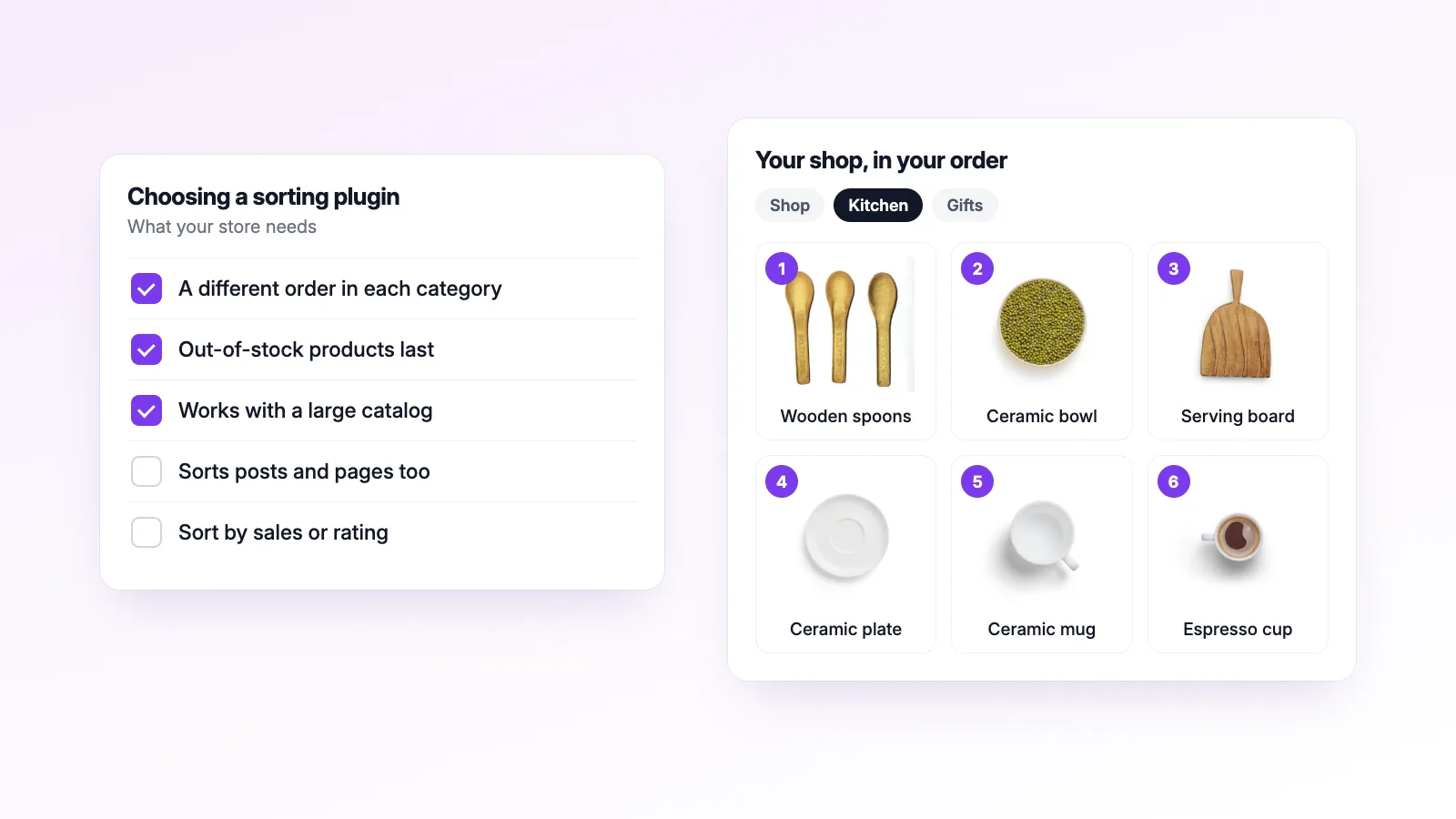
- Category order for free. This is the main reason people switch. Post Types Order needs the paid version for it.
- Built for WooCommerce stores. Stock-aware ordering, Smart Sort by sales and ratings, and schedules for sale periods are aimed at shop owners, not at general content.
- Large catalogs. The sorting screens load products in pages, so a store with thousands of products doesn't hit a fixed item limit.
What Pro adds
The free version covers sorting by hand. Pro is for stores that change their order often, or run more than one shop.
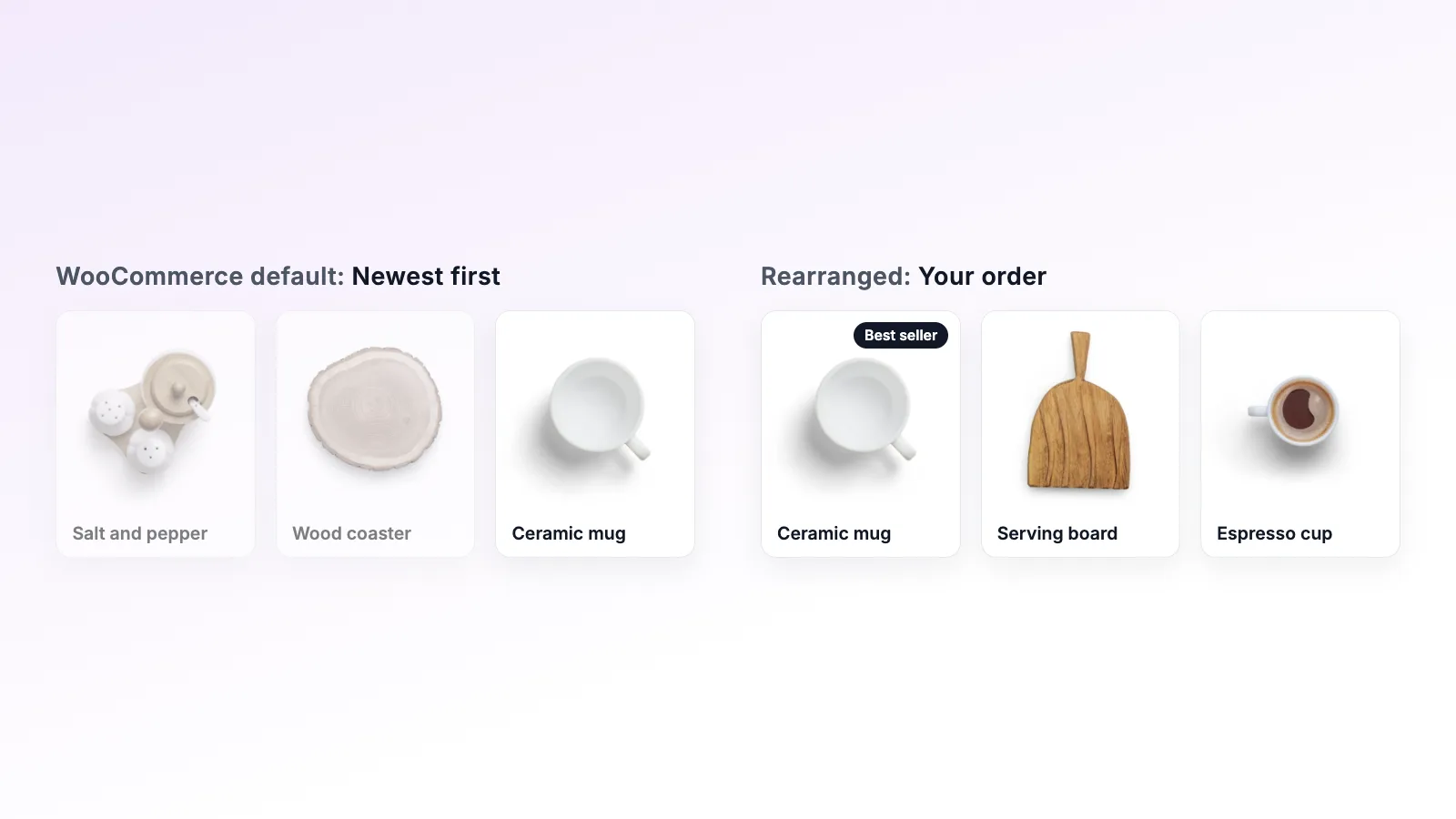
- Smart Sort. Sort the whole shop or one category in one click: best sellers (from WooCommerce's sales data), most rated, in stock first, price low to high or high to low, latest, oldest, A to Z, or shuffle. Then drag a few products by hand to fine-tune.
- Presets. Save an arrangement under a name, like "Everyday" or "Holiday", and load it again later. You can duplicate a preset to try a variation, or show one on a page with its shortcode.
- Scheduled Sorting. Pick a preset, a start date and an end date. The shop switches to it when the sale starts and goes back to your regular order when it ends, using your store's timezone. It works for the whole store or a single category.
- Import/Export. Export the shop order, category orders or presets as a file and import them on another site. SKU matching lines products up when the IDs are different, which helps when you move an order from staging to the live store.
- Priority email support.
Advanced Post Types Order can also sort automatically by fields such as date, name or a custom field. Smart Sort's options are built around store data instead, like sales, ratings and stock.
Pro starts at $39.99 a year for one site, with 5-site and 25-site plans for freelancers and agencies. The pricing page has the details, and the seasonal collections post shows presets and schedules in use.
Switching from Post Types Order
When Rearrange Products is first activated, it copies each product's existing menu order into its own shop order. So the shop order you set with Post Types Order is your starting point, and you only need to arrange the categories you care about.
Don't have both sorting products at the same time, because both change the product query on the front end. Once you've moved over, stop using Post Types Order for products, or deactivate it if products were the only thing you used it for.
Common questions
Is Post Types Order bad for WooCommerce? No. It works well for a single store-wide order, and plenty of stores use it that way. The limits show up when you want each category to have its own order, or when the catalog is bigger than the Re-Order page shows by default.
Can I try Rearrange Products without losing my current order? Yes. It starts from your existing menu order. Category orders are saved separately, so arranging a category doesn't touch it. Saving a new shop order does update menu order, so if you go back to Post Types Order later, it will show that new shop order.
Do I need Pro to sort categories? No. Separate category orders are part of the free version on WordPress.org.
If you're still deciding whether you need a plugin at all, the code snippet vs plugin post covers the menu-order snippet approach. There's also a Simple Custom Post Order comparison and a roundup of the main sorting plugins. The video tutorials show the sorting screens in action.